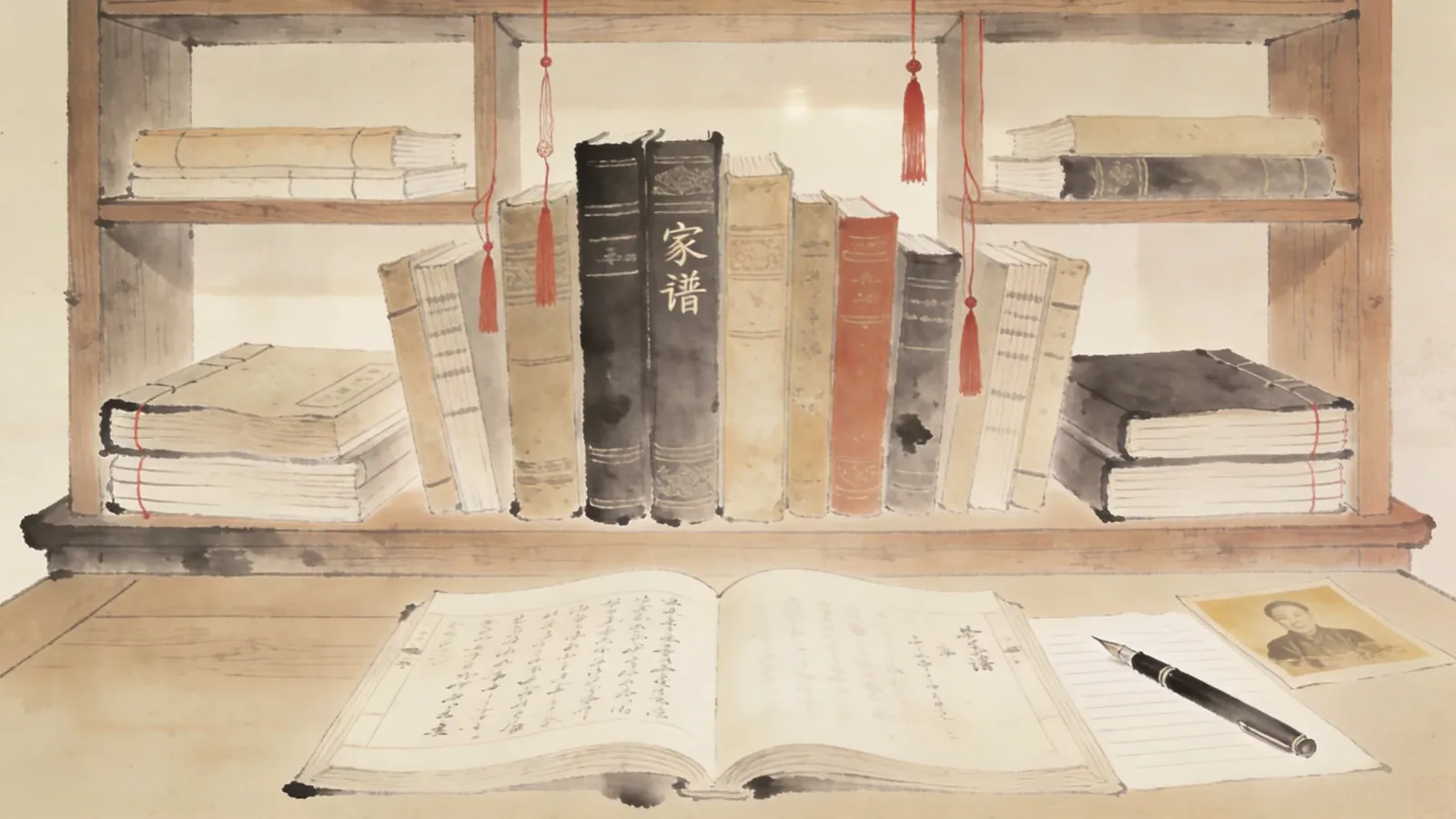
“Compiling a family tree” sounds like a major project — hire a specialist, buy Xuan paper, set formats, and mobilize the entire family.
But it doesn’t have to be. This article gives you a 5-step practical guide so that one person with one computer can start compiling a family tree today.
You don’t need to be the most respected elder in your family, and you don’t need to understand history or genealogy. You just need a bit of curiosity and a willingness to act.

Step 1: Mental Preparation — Compiling a Family Tree Isn’t as Hard as You Think
Many people give up at the start because of these mental “spells”:
- “My family has no famous people, nothing worth recording”
- “I don’t know what to ask”
- “I’ll do it when I have time”
- “The elders are gone, can’t trace back”
All these thoughts are normal, but unfounded. Let’s break them down one by one:
| Worry | Reality |
|---|---|
| “My family has no famous people” | Family trees record everyone, not just the famous |
| “I don’t know what to ask” | Just follow the question list in this article |
| “I’ll do it later” | Later you’ll have even less time and it’ll be harder to trace |
| “The elders are gone” | You are the youngest source — start with yourself |
Most important realization: compiling a family tree isn’t “finish and done” — it’s “start and succeed.”
Even if you only record one name today — your own name — that’s a step forward.
Step 2: Record Yourself — Start From the Source
The starting point isn’t your grandfather — it’s you.
Open a blank document (or paper), and write down the following information:
Required Fields
| Field | Description | Example |
|---|---|---|
| Full name | Including former names | John Smith (formerly John Smythe) |
| Date of birth | Solar + lunar calendar | March 15, 1990 (lunar 2/19) |
| Place of birth | Precise to county/district | Furong District, Changsha, Hunan |
| Native place | Ancestral home | Jinan, Shandong |
| Gender | Required | Male |
| Education | Highest degree | Bachelor’s |
| Occupation | Current occupation | Software engineer |
| Marital status | Married/single | Married |
| Spouse info | Name, birth year | Jane Doe, 1992 |
| Children info | Names, birth years | Tommy Smith, 2018 |
| Parents info | Names, birth years | Father John Sr. (1962), Mother Mary (1965) |
| Siblings | Birth order + names | Older brother James, sister Lily |
Optional Fields
| Field | Description |
|---|---|
| Photos | ID photo or lifestyle photo |
| Contact info | Phone, WeChat, email |
| Current residence | Current city |
| Health info | Major illness history, hereditary diseases |
| Brief self-intro | One or two sentences |
This step takes 30 minutes. Don’t aim for perfection — just write it down.
Step 3: Ask Your Parents — One Generation Up
Find a relaxed atmosphere and chat with your parents. Don’t conduct a “formal interview” — a casual question over dinner works best.
Recommended Question List (by Generation)
About grandparents (paternal and maternal):
| Question | Follow-up Direction |
|---|---|
| What are their full names? | Any courtesy names, style names, former names? |
| When were they born? | Solar or lunar calendar? |
| Where is their hometown? | Precise to village, town |
| What work did they do when young? | How many job changes in their lifetime? |
| What were they like? | One thing that impressed you most? |
| How did they meet? | How did your grandparents get married? |
| Health status? | What illnesses in later years? |
| When did they pass away? | How old were they? |
| Where are they buried? | Are there tombstones? |
About the family:
- Was there an ancestral hall back home? Where?
- Are there old genealogies? Who has them now?
- Any old photos, letters, or objects?
- Any famous people or stories in the family?
- Did the family migrate from elsewhere? When and why?
Key principles:
- Record dialect place names and titles in original sound (“What did Grandpa’s generation call themselves,” “What’s the village called back home”)
- Cross-verify namesakes, same-year people (if Dad says Grandpa was born 1920, Mom says 1918, ask another relative)
- Record first, judge truth later (even legends should be noted with “to be verified”)
Step 4: Find Physical Evidence — Anchor Oral History
Oral memories distort over time, but physical objects don’t. Collect as many of the following materials as possible:
High-Value Physical Objects (by Priority)
| Category | Object | How to Use |
|---|---|---|
| Certificates | Household registration, ID, birth certificate, diploma, marriage certificate | Verify names, birthdays, relationships |
| Old photos | Family group photos, personal photos | Identify people, trace appearances |
| Old letters | Family letters, postcards, greeting cards | See handwriting, addresses, dates |
| Certificates | Awards, appointments, enlistment notices | Record occupations, honors |
| Diaries/Account books | Old account books, work logs | See life details |
| Family documents | Old genealogy copies, property division documents, contracts | Directly record lineages, property |
| Burial sites | Tombstones, genealogy steles | Confirm birth/death years, spouses, children |
Collection Suggestions
- Photograph: Take front and back photos of all physical objects with phone
- Naming: Name photos by “year-person-occasion”, e.g., “1985-Grandpa-60th-birthday.jpg”
- Backup: Dual backup to cloud drive + external hard drive
- Digitize: Scan or re-photograph old photos, prioritize high resolution

Step 5: Digitize — Choose Tools to Record
The final step is entering all information into tools. Tools don’t matter — recording matters.
Tool Selection (by Need)
| Need | Recommended Tool | Features |
|---|---|---|
| Just record a few generations | Excel, WPS spreadsheets | Simple, easy to start |
| Want a family tree diagram | Family Tree Design | Visual, AI-assisted, desktop |
| Multi-person remote collaboration | Online collaboration docs (Tencent Docs, Feishu) | Family members fill in together |
| Serious long-term preservation | Professional family tree software + local database - Family Tree Design | Data controllable, exportable |
Notes When Entering Data
- Build skeleton first, fill in flesh later: Record family relationships first, then add personal details
- Use unified naming conventions: e.g., “date of birth” uses “YYYY-MM-DD” format
- Mark “unverified”: Oral history may be inaccurate, record first, label later
- Update regularly: Add new information monthly/quarterly
- Multi-end backup: Cloud drive + hard drive + at least one offline backup

Common Pitfalls (Avoidance Guide)
Pitfall 1: Waiting Until All Materials Are Complete
Wrong. Materials will never be complete. Start today, record whatever you can.
Pitfall 2: Must Clarify All Kinship Relations
Wrong. First clearly record your direct three generations (parents, grandparents), then expand outward.
Pitfall 3: Must Be Like a “Professional Genealogy”
Wrong. An A4 paper family tree is ten thousand times more useful than a perfect blank genealogy.
Pitfall 4: Need Whole Family Agreement
Wrong. You can record what you know first. Family collaboration comes later.
Pitfall 5: Must Use Traditional Chinese Characters, Vertical Layout
Wrong. Simplified horizontal layout is perfectly fine. Information matters more than format.
Action Checklist (Printable)
Complete these three things today:
- Write down your full name, date of birth, place of birth
- Write down your parents’ full names and birth years
- Write down the full names of any grandparents/grandparents-in-law you know
Within this week:
- Find a relaxed time to ask your parents 5 questions about ancestors
- Re-photograph 3+ family old photos
Within one month:
- Enter all above information into a tool (Excel / family tree software)
- Backup to cloud drive
Frequently Asked Questions (FAQ)
Q1: My family has no genealogy. How do I start from zero?
Start with you. You are the newest leaf on your family tree. Grow upward from yourself. First record direct three generations, then expand collateral lines.
Q2: The elders are gone. Who can I ask?
“Second-tier elders” in the family — parents’ siblings, uncles, aunts, cousins. They may hold different details.
Q3: How do I verify the truth of oral history?
Three-step verification: Ask 3 different people about the same thing and see if their stories align. Things that don’t match are marked “to be verified.”
Q4: I have elders at home, but they only want to talk about some things. What do I do?
Don’t force it. Things elders don’t want to mention (family conflicts, political movements) skip for now. Record what you can.
Q5: Should I do paper manuscripts and electronic family trees first?
Both simultaneously. Paper manuscripts record oral and emotional content; electronic family trees record structure and data. They complement each other.
Conclusion
Compiling a family tree only requires that you’re willing to start.
You don’t need a perfect plan, complete materials, or family agreement. You just need 30 minutes today to write down your own name.
That’s the entire starting point of compiling a family tree — and the beginning of our generation reconnecting with our ancestors.
Further Reading:
- 📜 Family Trees and Clan Genealogy: A Three-Thousand-Year Cultural Code
- 💻 Start Making Your Family Tree: Family Tree Design Software
- 🛠️ Family Tree Software Comparison: 8 Major Tools in 2026
This article was written by Tool Person Zhang Wei. Please cite the original source: https://familytree.design.